
Connecting to the Yoda portal
Last updated on 2026-10-20 | Edit this page
Overview
Questions
- How to connect to Yoda?
Objectives
- Enter the Yoda web portal and access the tutorial workspace
Introduction
Let us enter the Yoda web portal now.
-
Open a browser window. Navigate to the portal URL:
- For training hosted by SURF, the portal address is https://scuba-yoda.irods.surfsara.nl.
- For the addresses of institute-specific portals, see this overview of URLs.
- Before you can login, course instructors should give you access to the portal.
-
Log in with your credentials or SRAM by clicking on
Sign inand entering your email address. In your browser it should look something like this: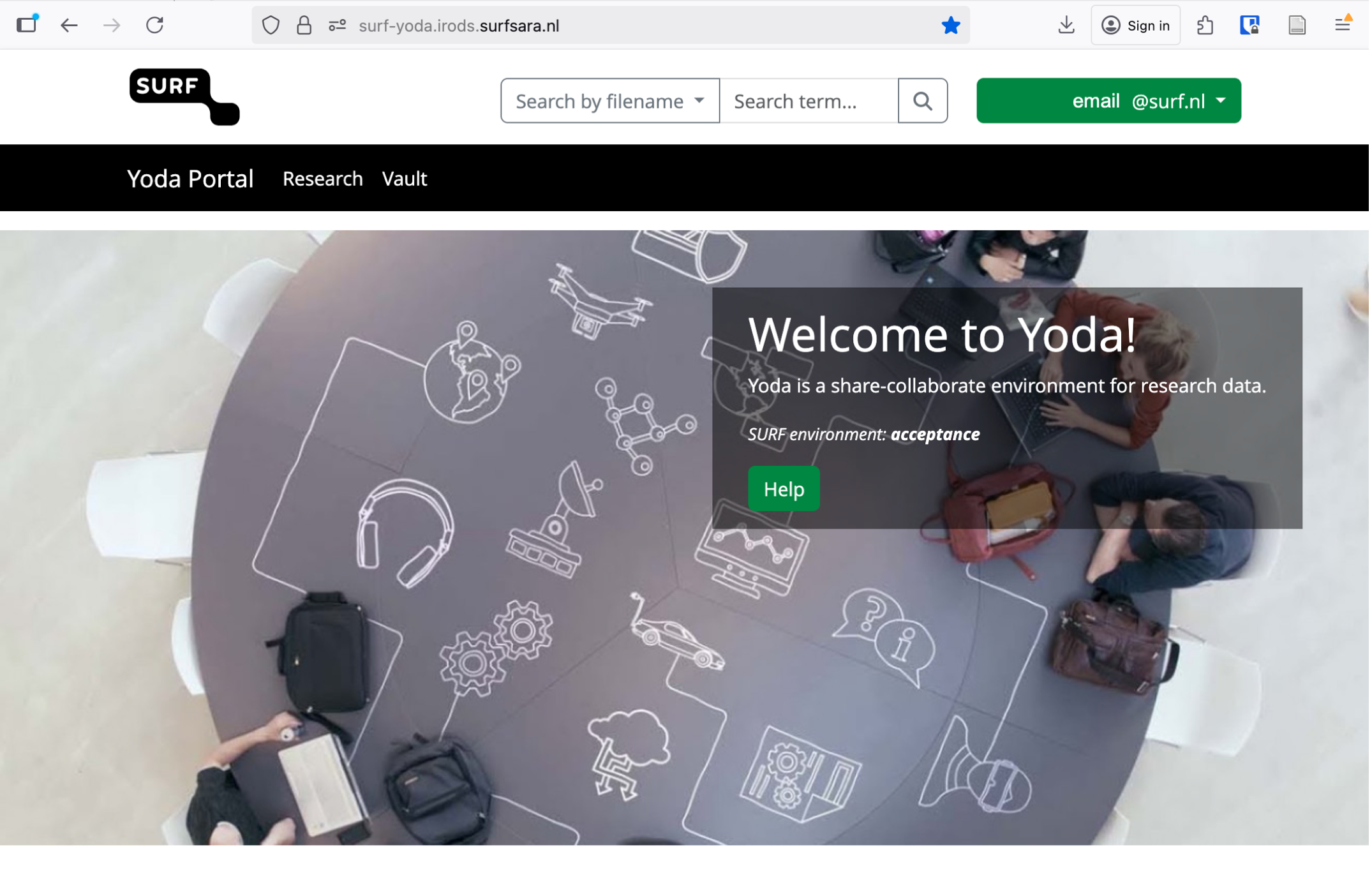 Example of how the Yoda portal looks once logged in
 Click on the Research tab. Verify that you see two folders:
research-tutorial-unsupandresearch-tutorial-sup. These two folders will represent two different groups that you will be working in. You have access to these groups and the Yoda portal because you were added as a member. You can only log in to Yoda when you are added to a specific group in Yoda.Try to remember that we will start working in the unsupervised group, and only in the last exercise we will move to the other one.
- Use your institutional email address to enter the portal
- You can only log in to Yoda when you are added to a specific group in Yoda