
Connecting to the Yoda portal
Last updated on 2026-10-20 | Edit this page
Estimated time: 10 minutes
Overview
Questions
- How to connect to Yoda?
Objectives
- Enter the Yoda web portal and access the tutorial workspace
Introduction
Let us enter the Yoda web portal now.
-
Open a browser window. Navigate to the portal URL:
- For training hosted by SURF, the portal address is https://scuba-yoda.irods.surfsara.nl.
- For the addresses of institute-specific portals, see this overview of URLs.
- Before you can login, course instructors should give you access to the portal.
-
Log in with your credentials or SRAM by clicking on
Sign inand entering your email address. In your browser it should look something like this: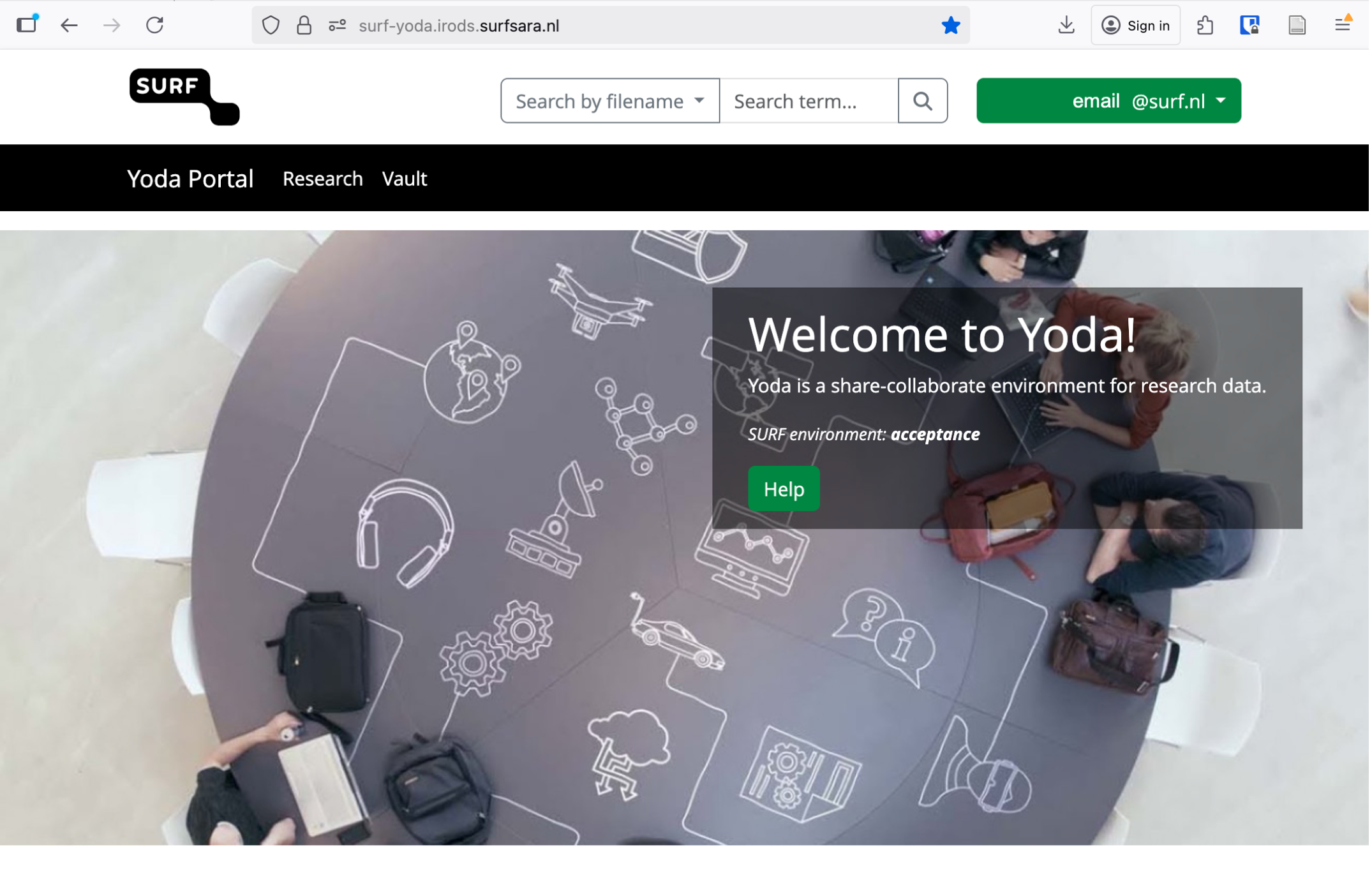 Example of how the Yoda portal looks once logged in
 Click on the Research tab. Verify that you see two folders:
research-tutorial-unsupandresearch-tutorial-sup. These two folders will represent two different groups that you will be working in. You have access to these groups and the Yoda portal because you were added as a member. You can only log in to Yoda when you are added to a specific group in Yoda.Try to remember that we will start working in the unsupervised group, and only in the last exercise we will move to the other one.
Make sure you invite workshop participants beforehand to a research group and provide a link to the correct portal address.
- Use your institutional email address to enter the portal
- You can only log in to Yoda when you are added to a specific group in Yoda